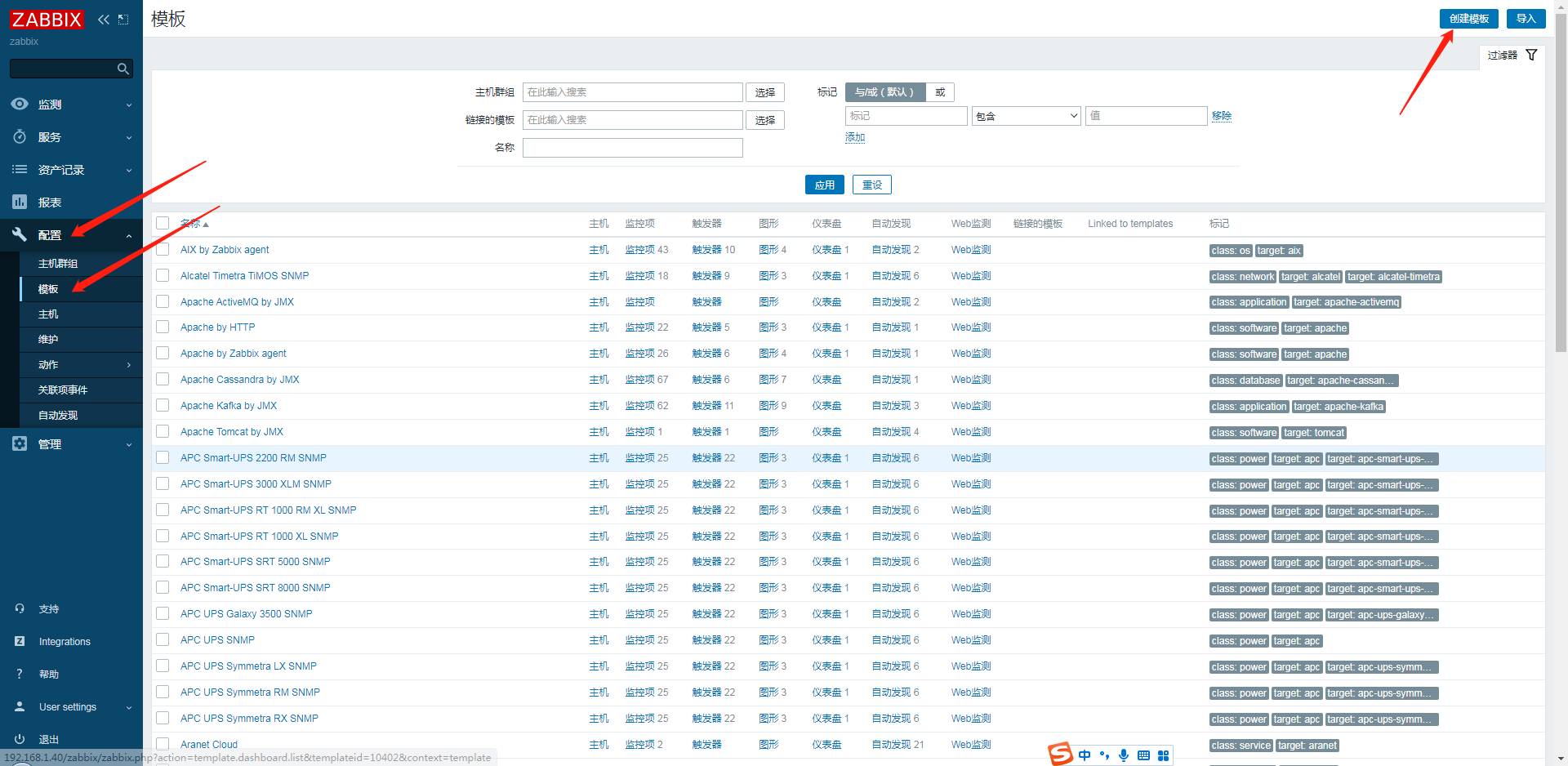
在上文中,我们已经学会了使用Ping监控,当目标设备无法Ping通,平台即发送告警信息。
但是这种方式有个缺点,那就是技术人员需要时刻盯着平台,这样就造成了很大的不便。
zabbix6.0支持多种方式告警,邮件,钉钉,短信等等,今天主要介绍如何通过Webhook方式发送钉钉告警信息。
1.
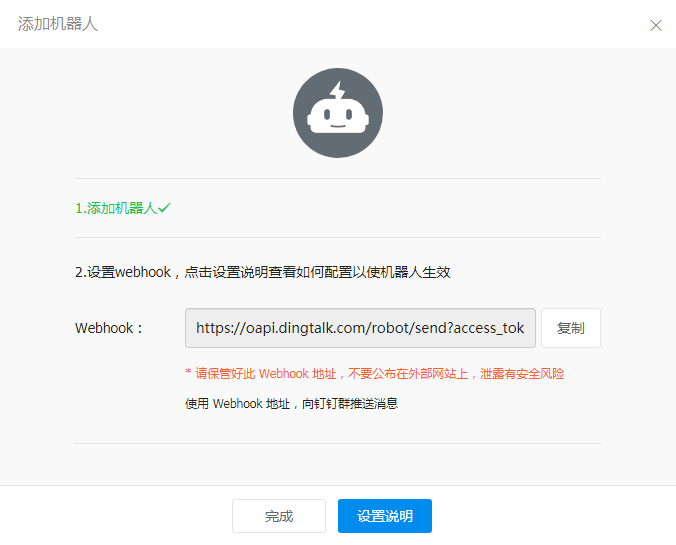
首先,登录钉钉,添加群机器人,群设置-智能群助手-添加机器人-自定义(通过webhook接入自定义服务),设置机器人名称和安全设置,点击完成,并记住webhook地址。
2.
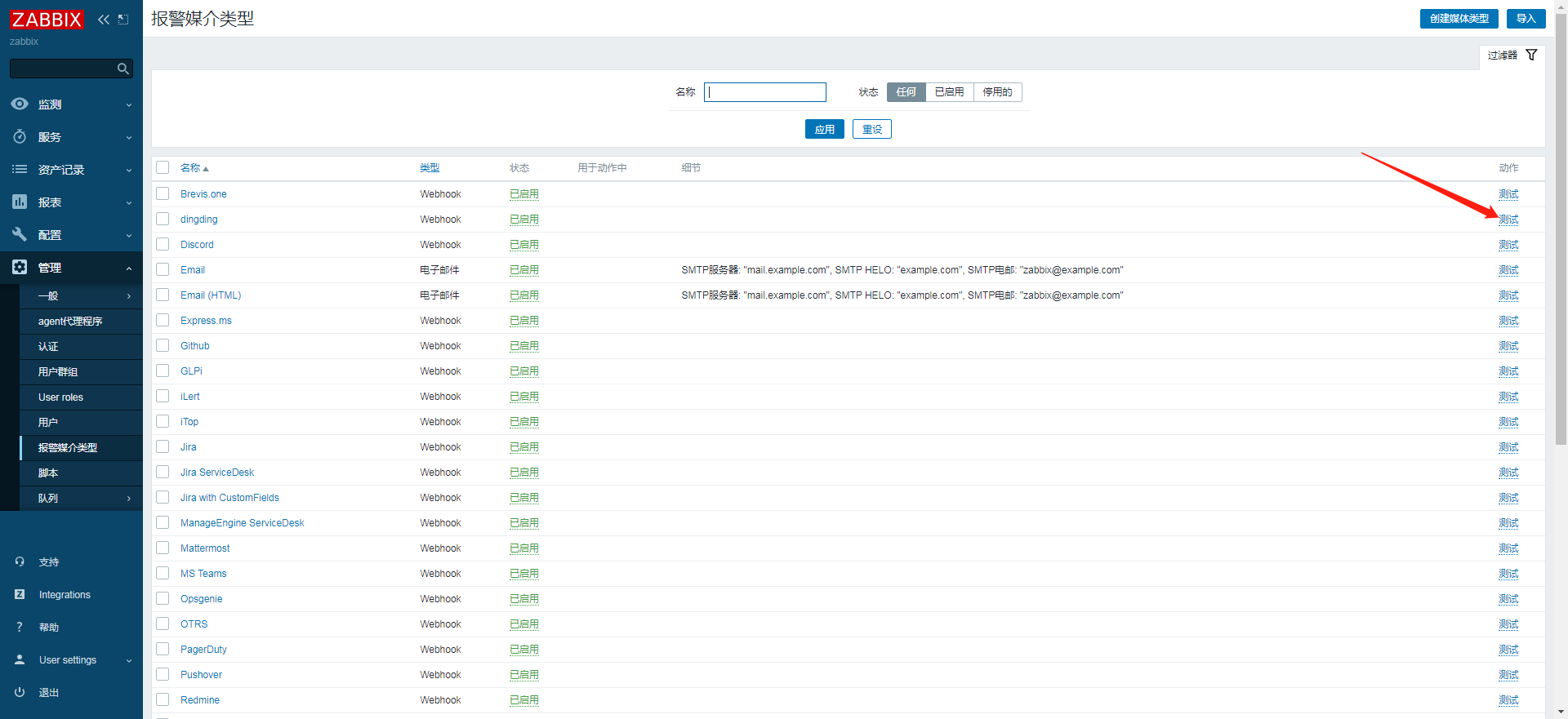
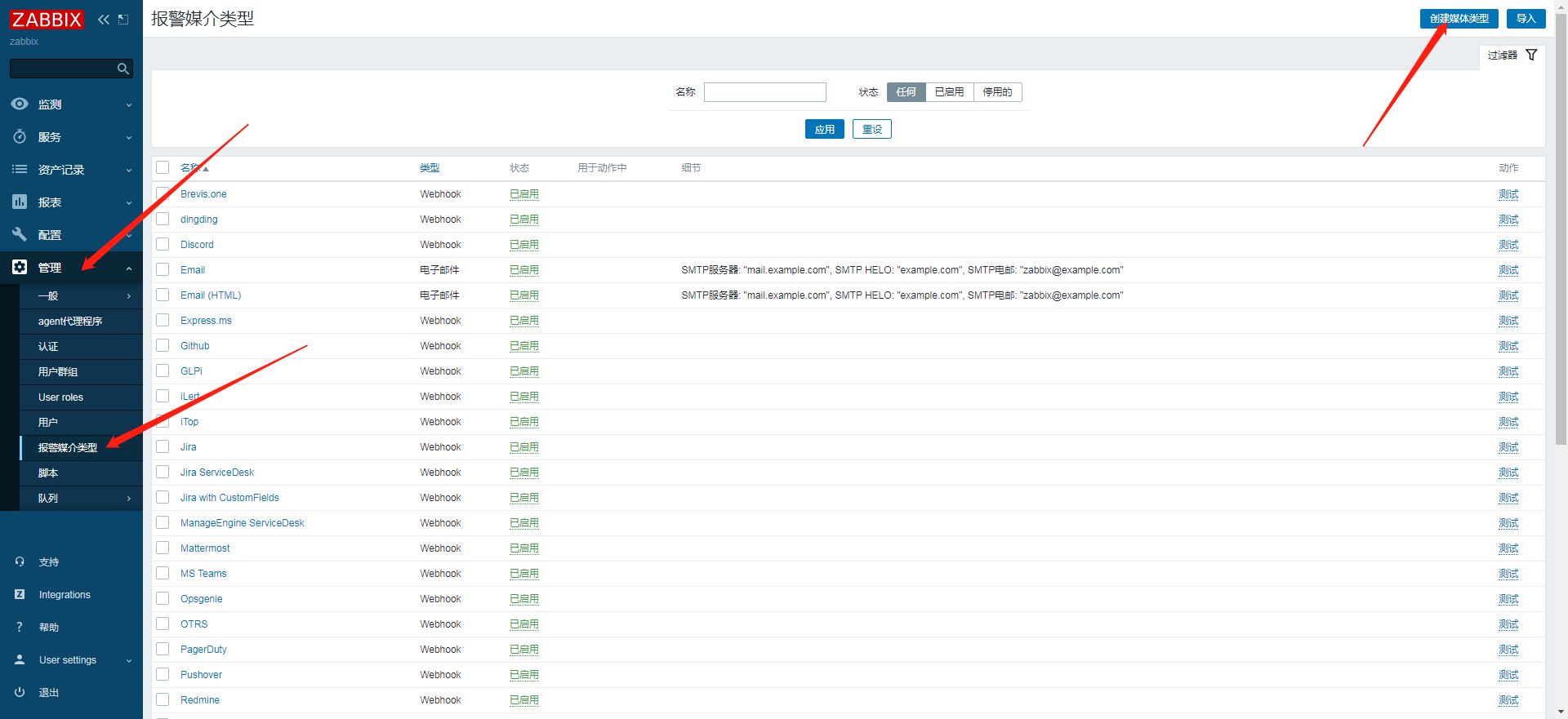
登录zabbix,选择管理-报警媒介类型,点击右上角创建媒体类型。
3.
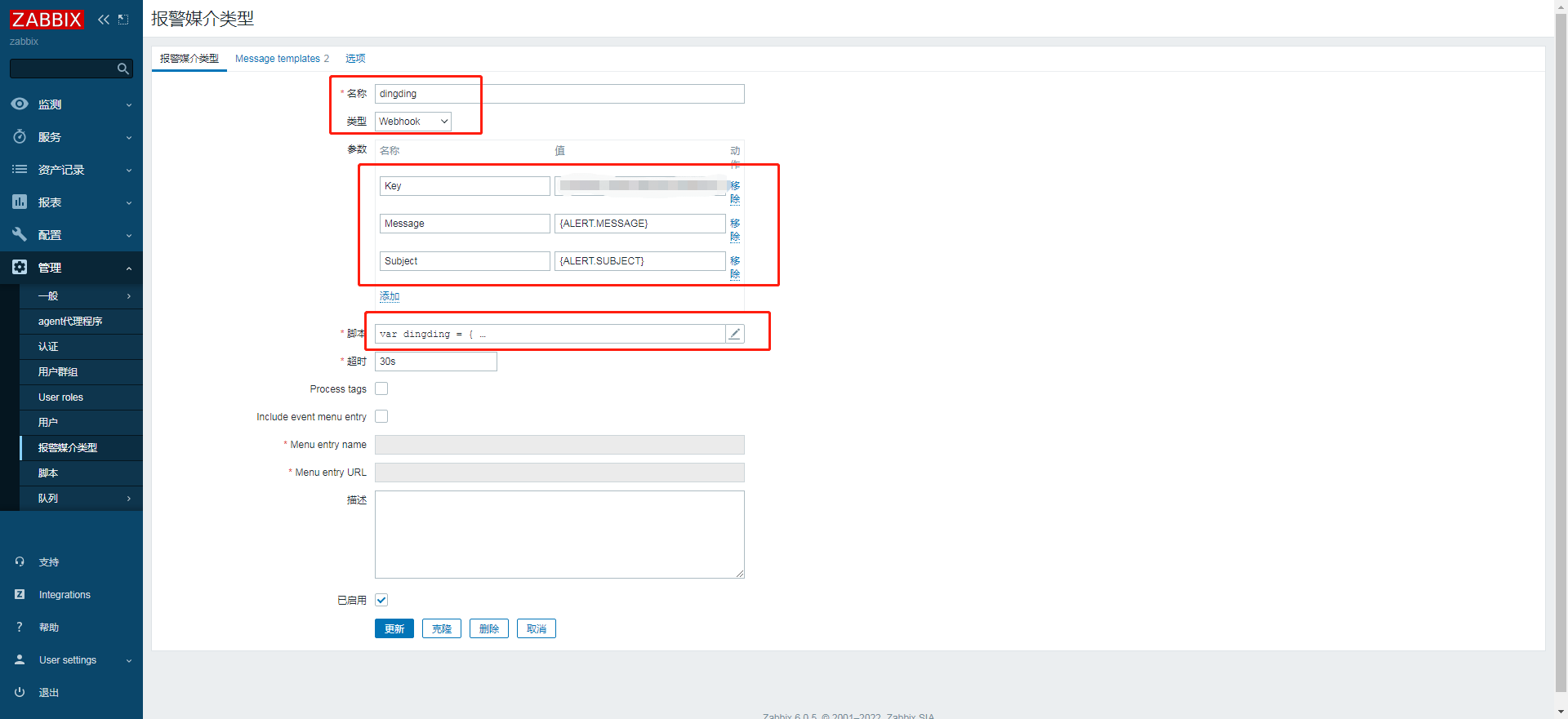
输入名称,类型选择webhook,参数添加以下3个值,其中Key的值就是钉钉机器人的webhook地址中的token=后面的字符。
4.
脚本输入以下代码
var dingding = {
  key: null,
  message: null,
  msgtype: "markdown",
  proxy: null,
sendMessage: function () {
    var params = {
       msgtype: dingding.msgtype,
       markdown: {
          title: "zabbix之家",     此处title信息可自定义修改
          text: dingding.message
        },
      },
      data,
      response,
      request = new CurlHttpRequest(),
      url =
        "https://oapi.dingtalk.com/robot/send?access_token=" +
        dingding.key;
    if (dingding.proxy) {
      request.setProxy(dingding.proxy);
    }
    request.AddHeader("Content-Type: application/json");
    data = JSON.stringify(params);
    // Remove replace() function if you want to see the exposed key in the log file.
    Zabbix.Log(
      4,
      "[dingding Webhook] URL: " + url.replace(dingding.key, "<BOT KEY>")
    );
    Zabbix.Log(4, "[dingding Webhook] params: " + data);
    response = request.Post(url, data);
    Zabbix.Log(4, "[dingding Webhook] HTTP code: " + request.Status());
    try {
      response = JSON.parse(response);
    } catch (error) {
      response = null;
    }
    if (request.Status() !== 200 || response.errcode !== 0) {
      if (typeof response.errmsg === "string") {
        throw response.errmsg;
      } else {
        throw "Unknown error. Check debug log for more information.";
      }
    }
  },
};
try {
  var params = JSON.parse(value);
  if (typeof params.Key === "undefined") {
    throw 'Incorrect value is given for parameter "Key": parameter is missing';
  }
  dingding.key = params.Key;
  if (params.HTTPProxy) {
    dingding.proxy = params.HTTPProxy;
  }
  dingding.to = params.To;
  dingding.message = params.Subject + "\n" + params.Message;
  dingding.sendMessage();
  return "OK";
} catch (error) {
  Zabbix.Log(4, "[dingding Webhook] notification failed: " + error);
  throw "Sending failed: " + error + ".";
}
5.
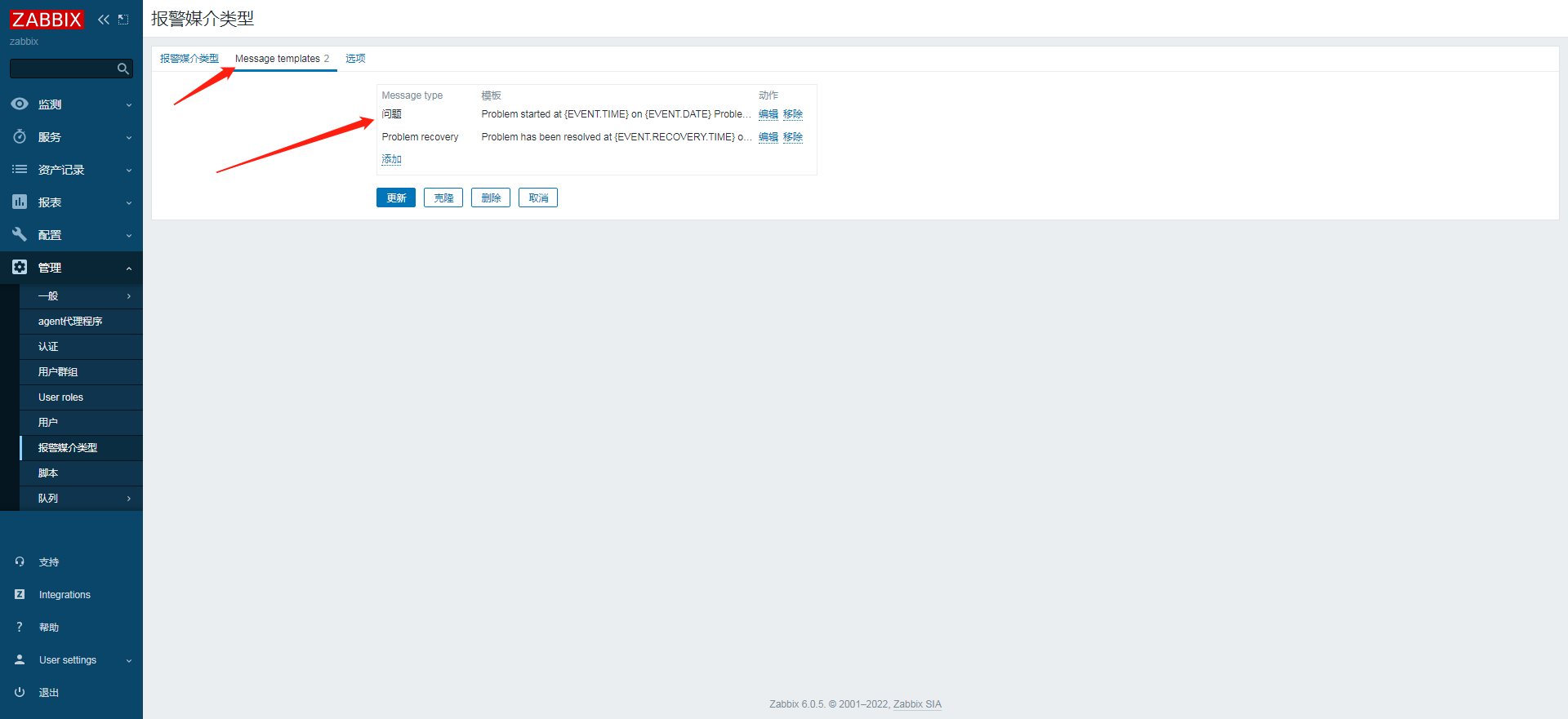
切换到Message templates选项设置,添加两个信息类型。
6.
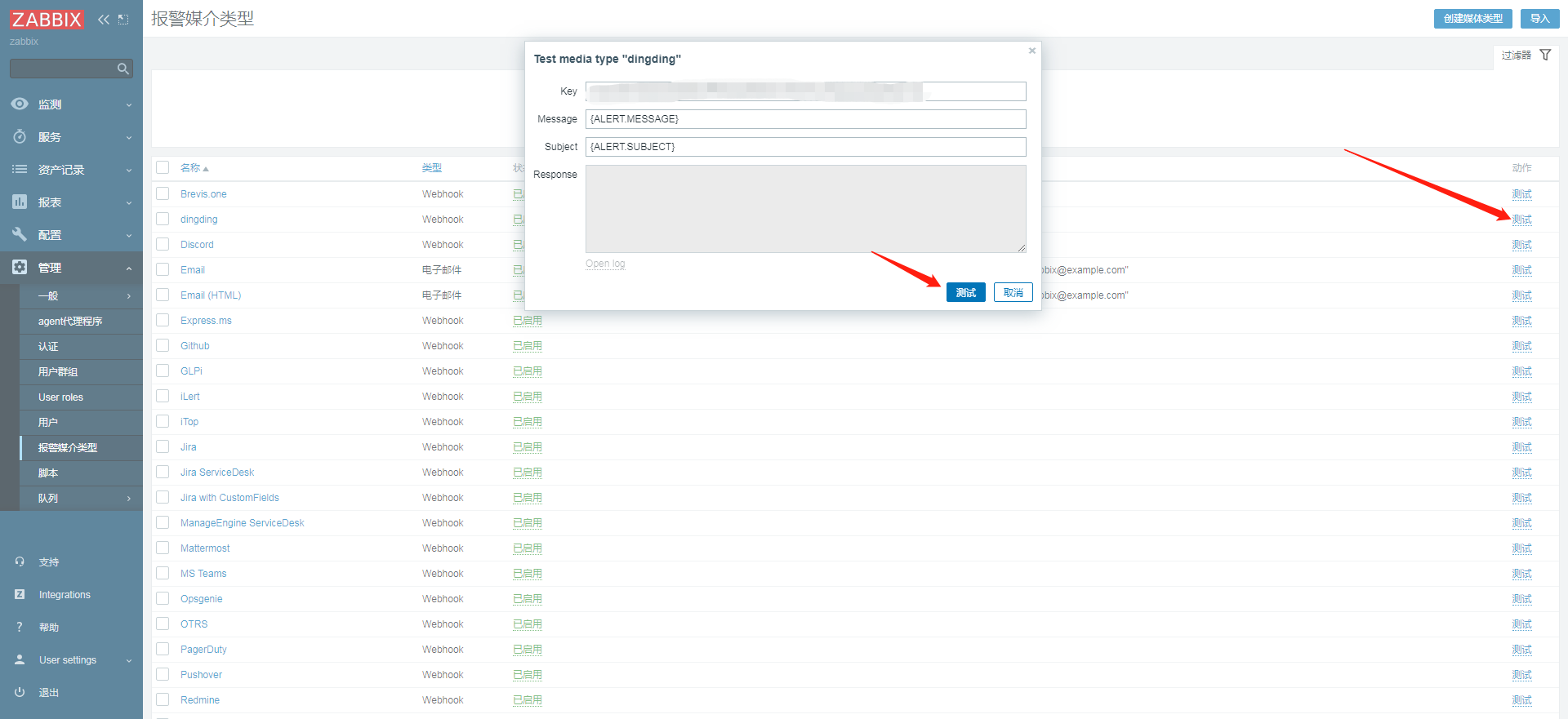
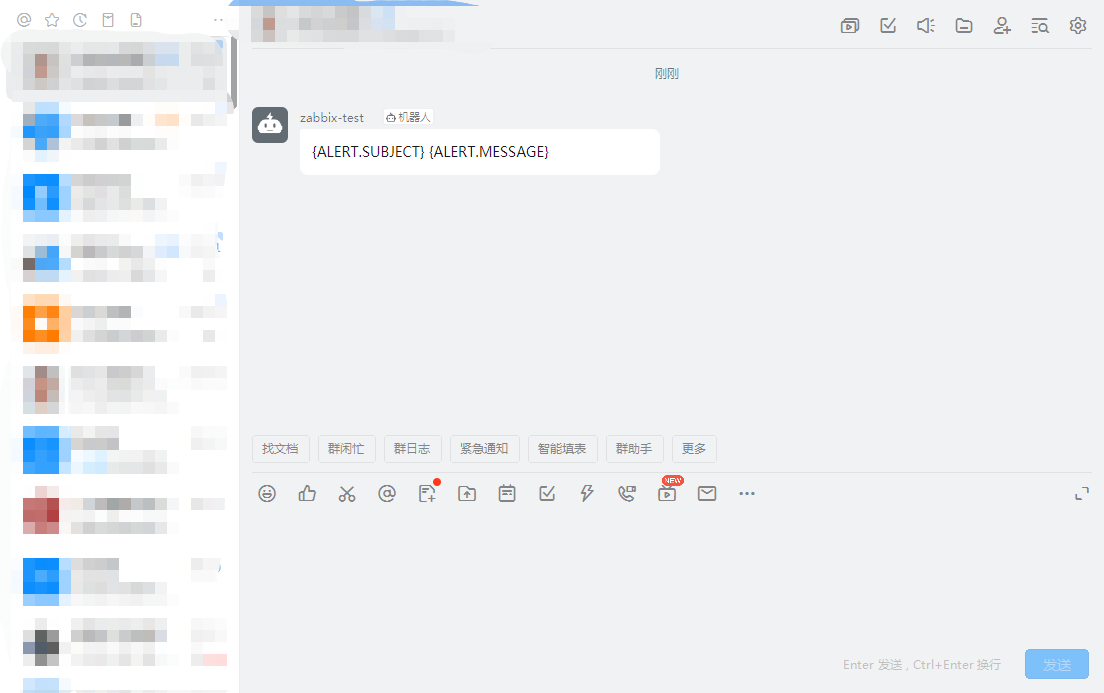
回到报警媒介界面,点击测试,钉钉机器人发送测试信息,完成。